

Percentage Change Calculator
Find the percentage increase or decrease between two values.
How to use the Percentage Change Calculator
- Enter the original (starting) value.
- Enter the new value.
- See the percentage change and whether it is an increase or decrease.
Change % = (New − Original) ÷ |Original| × 100
About the Percentage Change Calculator
This calculator finds the change between two values as a percentage of the starting point: (new − original) ÷ |original| × 100. It labels the result an increase or a decrease and shows the raw difference alongside it. Taking the absolute value of the original means the sign always reflects the real direction of travel, even when you start from a negative number such as a loss.
Percentage change makes different-sized things comparable — a 5,000 rise means one thing on a salary and another on a house price — but it invites one very common mistake. Percentage change and percentage points are not the same thing. If an interest rate moves from 2% to 3%, that is a rise of 1 percentage point but a 50% increase, and headlines routinely blur the two. Whenever the quantity is itself a percentage, say which one you mean.
Two other traps matter. The change is not symmetric: 50 to 65 is a 30% increase, but 65 back to 50 is a 23.1% decrease — the base changed. And the answer is undefined when the original is zero, since there is no base to compare against, which is why a non-zero starting value is required. For growth smoothed over several periods, use the CAGR calculator; for a single percentage of a number, the percentage calculator.
Frequently asked questions
How do I calculate a percentage increase?
Subtract the original from the new value, divide by the original, and multiply by 100. Going from 50 to 65 is (15 ÷ 50) × 100 = 30%.
What is the difference between percent and percentage points?
If a rate goes from 2% to 3% it rose by 1 percentage point, which is a 50% increase. Percentage points measure the gap between two percentages; percentage change measures it relative to the starting value.
Why isn’t the reverse change the same size?
Because the base changes. 50 to 65 is +30%, but 65 back to 50 is −23.1%, since the second calculation divides by 65 instead of 50.
Why can’t the original value be zero?
Percentage change is measured relative to the original, and nothing can be expressed as a share of zero. Any move from zero would be an infinite percentage increase, so the calculator asks for a non-zero starting value.
What if the value goes down?
The result is negative and is labelled a decrease. The raw difference is shown too, so you can see the absolute drop as well as the relative one.
Guides & articles about this tool
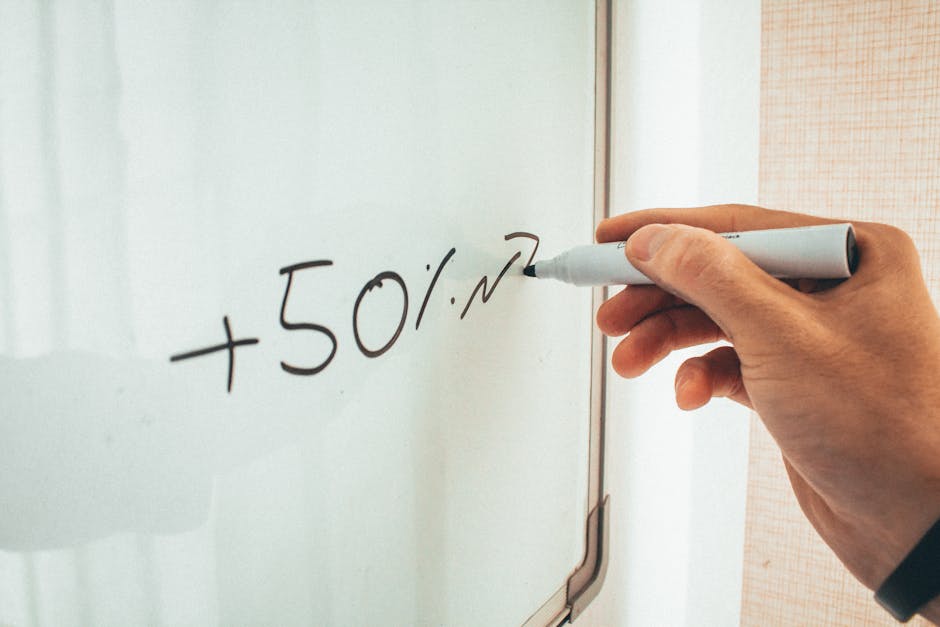
How to Calculate Percentages Fast (No Calculator Needed)
Everyone needs to know how to calculate percentages. Whether you’re splitting a restaurant bill or working out a discount in the sales, it’s a skill that…